Skip to content
VesselCall

How it works

From detection to inbox, step by step.

VesselCall runs the whole chain from a vessel approaching port to its manager's inbox in one flow. Every step is logged and visible in the panel.

The six steps of the flow

1. Range detection

For every port you choose, you define a circle in nautical miles. AIS positions are scanned at regular intervals; a commercial vessel entering the circle creates a single detection event. A ship hovering at the edge does not trigger again.
2. Vessel and company roles

The IMO number leads to name, type, flag, tonnage and year of build, plus the ship manager, ISM manager and registered owner roles in international ship registers. Results are cached so the same vessel is not looked up over and over.

3. Recipient choice

Recipient order: ship manager / commercial manager, then ISM manager, then registered owner. The company's country sets the e-mail language.

4. E-mail address

The knowledge base is checked first. If there is no address, the company's official website and public pages are crawled, with AI-assisted research when needed. The address is verified on its source page and by MX record.

5. Rules and translation

Repeat limits, opt-out list, country policy, sanctions lists and quota are checked. The approved translation of your template in the target language is used and variables are filled in.

6. Sending and feedback

The e-mail is sent from your own domain with a DKIM signature, within rate limits. Bounces and complaints are processed automatically and opt-outs apply instantly.

Setup: up to the first send

The VesselCall team opens your account after a demo. Setup usually takes about one business day.

  1. 1

    Ports and range

    Choose ports within your plan and set a range for each.

  2. 2

    Domain verification

    Add the DKIM record we provide (and a DMARC record if you have none). Your SPF record does not need to change.

  3. 3

    Template

    Write your Turkish introduction. See translations and Turkish back-translations in the panel.

  4. 4

    Test

    In test mode, e-mails come to your own address so you can check look and content.

  5. 5

    Live

    Switch to automatic or approval mode. Volume ramps up gradually for new domains.

Frequently asked questions

How often is detection run?

AIS positions are scanned at regular intervals; when a vessel enters a range circle, a single detection event is created. If a vessel matches several of your ports in one scan, the nearest port is used.

What if no e-mail address is found?

The detection is logged as 'no contact' and no e-mail is sent. The company goes on a missing-contact list; if an address is found later, it is added to the knowledge base.

What data goes to the translation model?

Only your template text and a maritime glossary. Recipient, vessel and company details are inserted after translation, at sending time.

Do I need to set up my own SMTP server or mailbox?

No. Sending runs on VesselCall's e-mail infrastructure with your verified domain. You only add a few DNS records to your domain.
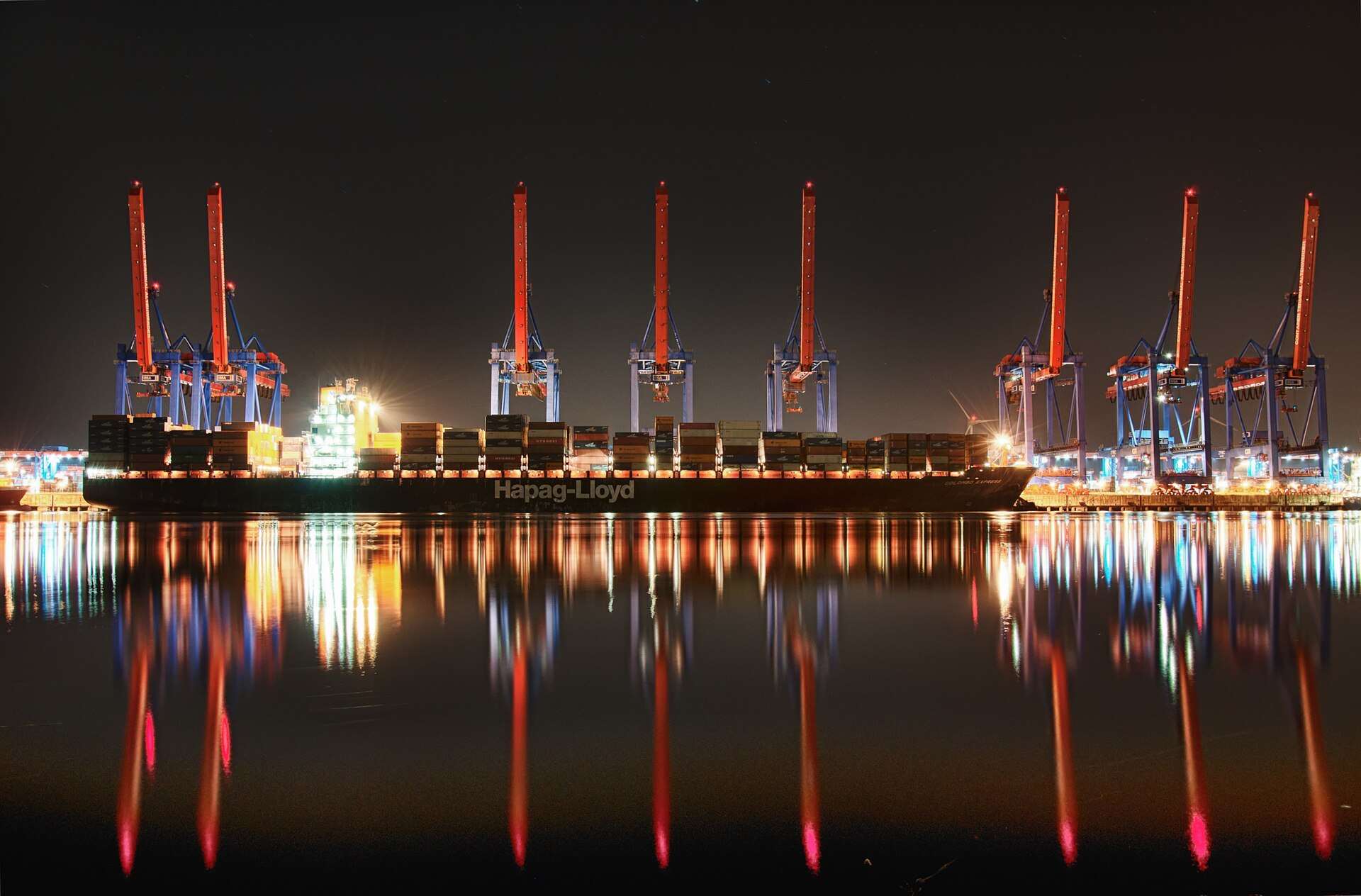
A port at night with a ship alongside

The next vessel is already on its way.

Pick your ports, set the range, write your introduction. VesselCall runs the rest.

Book a demo